How to Set Up a Home Router: Beginner-Friendly Guide
96% found this helpful
What you'll need
- Your new router, its power adapter and (usually) an ethernet cable
- Your ISP account details (username/password if PPPoE)
- A phone or laptop for configuration
Step 1: Connect the hardware
- Connect the router's WAN/Internet port to your modem or fiber ONT with the ethernet cable.
- Power on the router and wait 1–2 minutes until LEDs stabilize.
- Optionally connect a PC to a LAN port for a wired setup.
Step 2: Access the admin panel
- Find the WiFi name (SSID) and admin password printed on the router's sticker.
- Join the WiFi, or plug into a LAN port.
- Browse to the router's address — usually 192.168.0.1 or 192.168.1.1 (on the sticker).
- Log in and let the setup wizard run — most routers now auto-detect your connection type.
Step 3: Configure the essentials
- Admin password: change it from the default immediately.
- WiFi name & password: use WPA2/WPA3 with a strong passphrase (12+ characters).
- Bands: keep 2.4 GHz for range/old devices, use 5/6 GHz for speed.
- Automatic updates: enable if available.
Step 4: Harden security
- Disable WPS (a known attack vector).
- Disable remote/WAN administration.
- Change the default WiFi name to something that doesn't identify you.
- Enable the router firewall (usually on by default).
Step 5: Test and optimize
Run a speed test over WiFi in each room. If coverage is weak in corners, try our WiFi optimization tips (channel selection, positioning).
Tip: Note the admin password and WiFi credentials in a password manager — factory-resetting because of a lost password is the #1 router frustration.
Need it done for you?
We offer remote network setup — we'll walk you through (or configure) everything. Book network setup.
Related Articles
 Networking
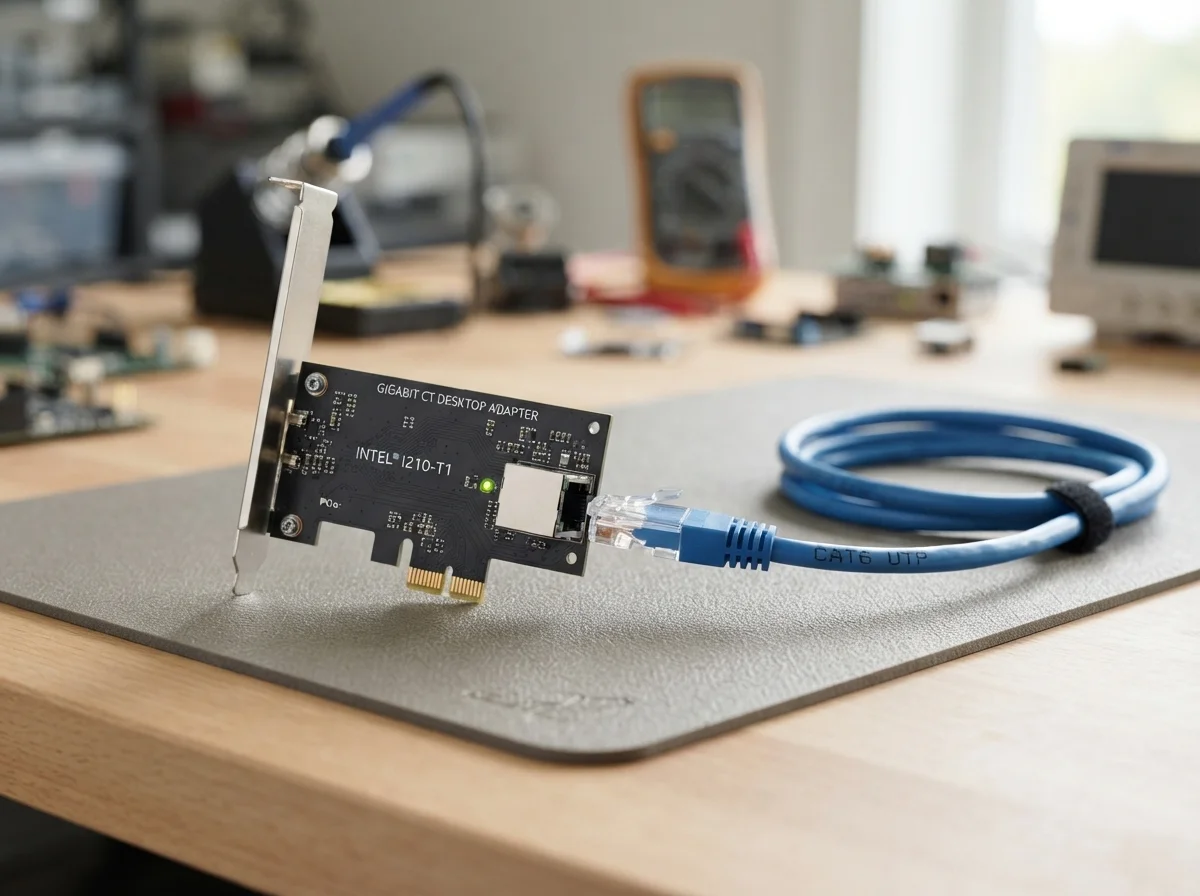
Ethernet / LAN Not Working: Common Causes and How to Fix It
Is your Ethernet or LAN connection not working? Learn how to troubleshoot wired network problems, including no Internet…
 Networking
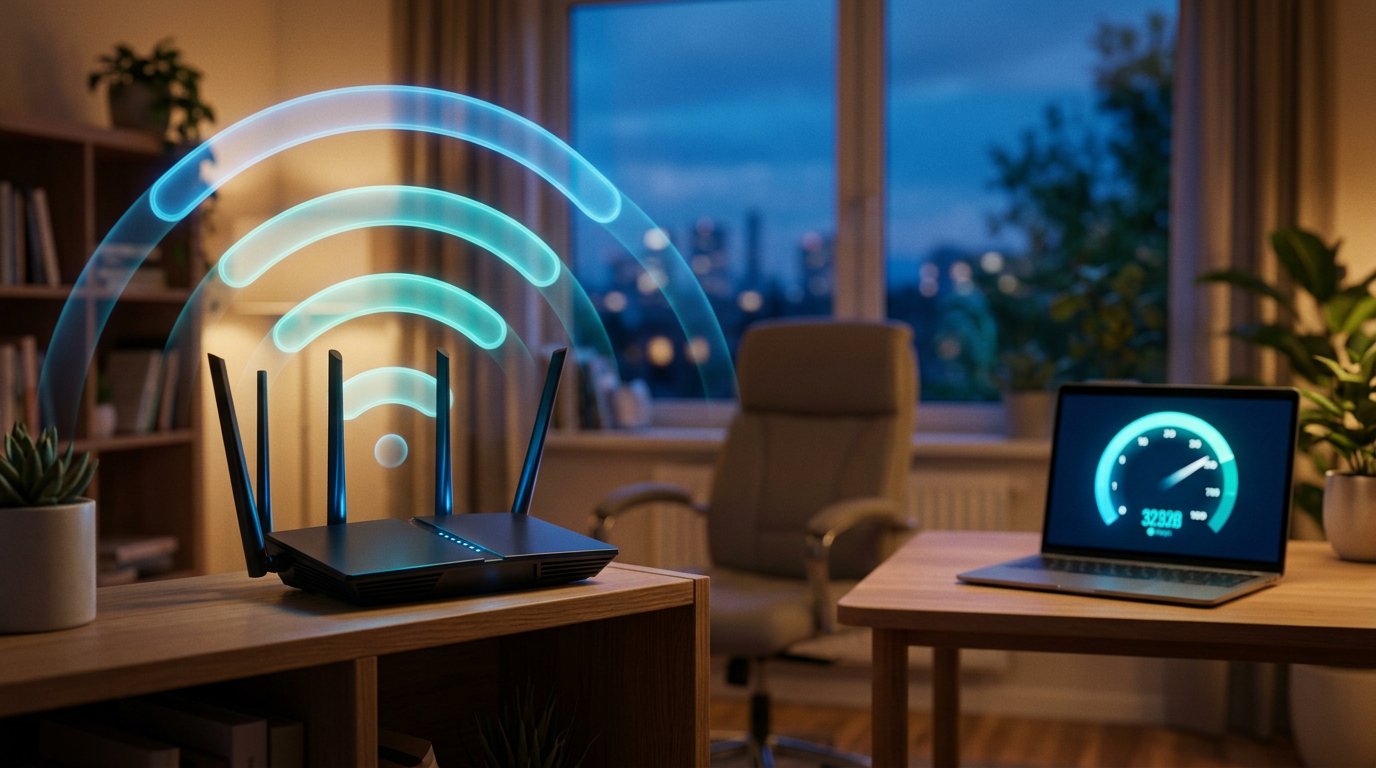
How to Fix Slow WiFi on Windows: Complete Troubleshooting Guide
Web pages crawling over WiFi? Fix slow wireless speed with driver updates, channel changes, band steering and more.
 Networking
How to Fix "No Internet Access" or "Connected, No Internet" on WiFi
Your PC connects to WiFi but there's no internet. Here's how to diagnose and fix the yellow triangle for good.
Comments (0)
No comments yet. Be the first to share your experience!
Leave a comment